Build an ATS-Friendly Resume with AI
Turn your existing work history and a job description into an editable, role-specific resume draft. Review every suggested change before you export or apply.
- ATS‑friendly formatting
- One‑click tailoring for each job
- PDF & DOCX export
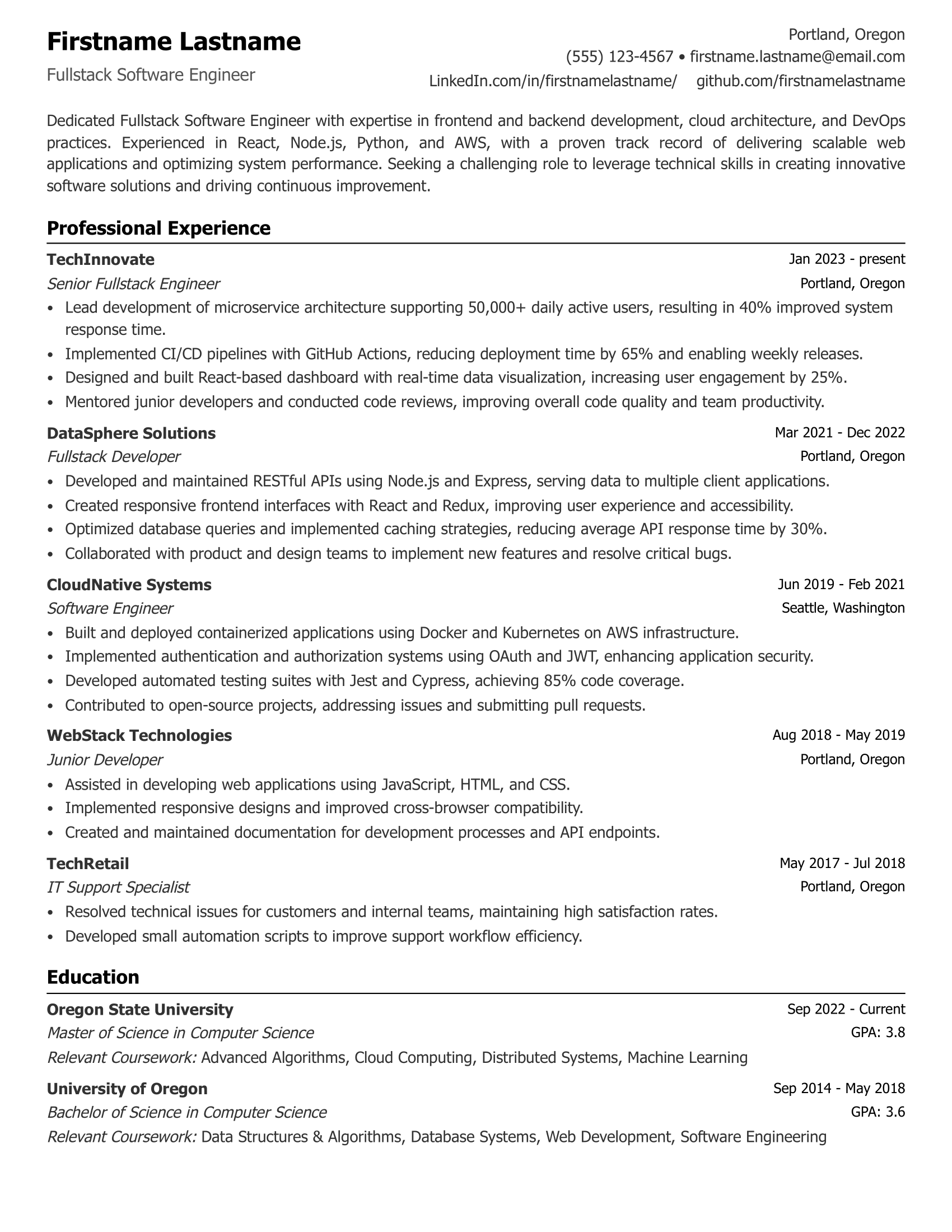
What does an AI resume builder do?
An AI resume builder turns the truthful experience in your existing resume into a clearer, role-specific draft using the job description as context. LifeShack can suggest relevant wording and formatting, but you stay responsible for reviewing every line and removing anything that is inaccurate.
Illustrative example
From a generic resume bullet to a job-specific draft
The goal is clearer relevance, not invented experience. Start with facts you can verify, then use the target job description to decide which details deserve emphasis.
Candidate-provided facts
Answered customer questions by email and chat, documented recurring billing issues, and shared weekly trends with product and billing teams.
Generic bullet
Helped customers with account problems and answered questions.
Tailored draft
Resolved customer account questions across email and chat, documented recurring billing issues, and shared weekly trends with product and billing teams.
Once the resume is ready, you can create a matching AI cover-letter draft from the same verified experience.
AI Resume Builder
Build a resume that reflects the role you want
Use your existing resume and a job description to create an editable, role-specific draft. Review every suggestion for accuracy before applying; no resume builder can guarantee an employer's screening result.
How Our AI Resume Writer Creates a Role-Specific Draft
Go from a generic document to a role-specific resume draft by emphasizing verified skills and experience that are relevant to the job description.
- 1
Compare the Resume with the Job Description
Add the target job description so the builder can identify relevant responsibilities, skills, and terminology. Treat these as prompts for truthful edits, not instructions to copy keywords or add qualifications you do not have.
- 2
AI-Powered Resume Writing
The AI resume writer can suggest clearer professional summaries and work-experience bullets using the facts you provide. Keep measurable results only when you can verify them.
- 3
Professional, ATS-Friendly Formatting
Choose a clean, readable template and preview the final formatting before you download or submit it. Straightforward headings and consistent structure make the resume easier for people to review.
- 4
Create Tailored Versions
The era of the one-size-fits-all resume is over. Create role-specific versions using the job description as context, then review every edit against your actual experience before downloading.
Decide whether you need resume help or application automation.
Compare trackers, autofill extensions, resume tools, and cloud application agents before choosing a workflow.
Frequently Asked Questions on Our AI Resume Builder
How does the AI optimize my resume for ATS?
Our AI compares your resume with the job description you provide. It identifies relevant keywords, skills, and qualifications and suggests edits you can review. No tool can guarantee that a resume will pass an employer's screening process.
Can I upload my existing resume to get started?
Yes. You don’t have to start from scratch. Upload your current resume in PDF or DOCX format, and LifeShack can parse the information into the builder. From there, you can edit and reformat it using a professional template.
How is this different from a standard resume template?
A standard template mainly provides layout. An AI resume builder can also suggest edits to summaries and bullet points using your resume and the target job description. You still decide which suggestions are accurate and useful.
Will the AI resume builder invent experience or skills?
It should not. The draft depends on the information you provide, but generated wording can still be wrong or overstate a detail. Check every role, skill, tool, date, and result against your real experience before using the resume.
Will recruiters know I used an AI resume builder?
The downloaded resume has no LifeShack watermark. AI is a writing and formatting aid, so review the final document and make sure every statement accurately reflects your experience.
Should I tailor my resume for every job?
You do not need to rewrite everything for every application. For priority roles, adjust the summary, skills, and most relevant experience so they clearly reflect the job's real requirements while keeping your underlying facts consistent.
Can the AI create a resume for any industry or career level?
The builder can help with many industries and career levels by using the resume details and job description you provide. Its output still needs your review for industry-specific accuracy, terminology, and context. Afterward, you can use the same verified experience to draft a matching cover letter.