Taleo application status meanings
by Patrick Da Costa Guimarais • Last Updated 11/10/2026
Taleo Application Status Meanings: What Complete, Withdrawn and Other Labels Mean
By Patrick Da Costa Guimarais, founder of LifeShack. Updated November 2026.
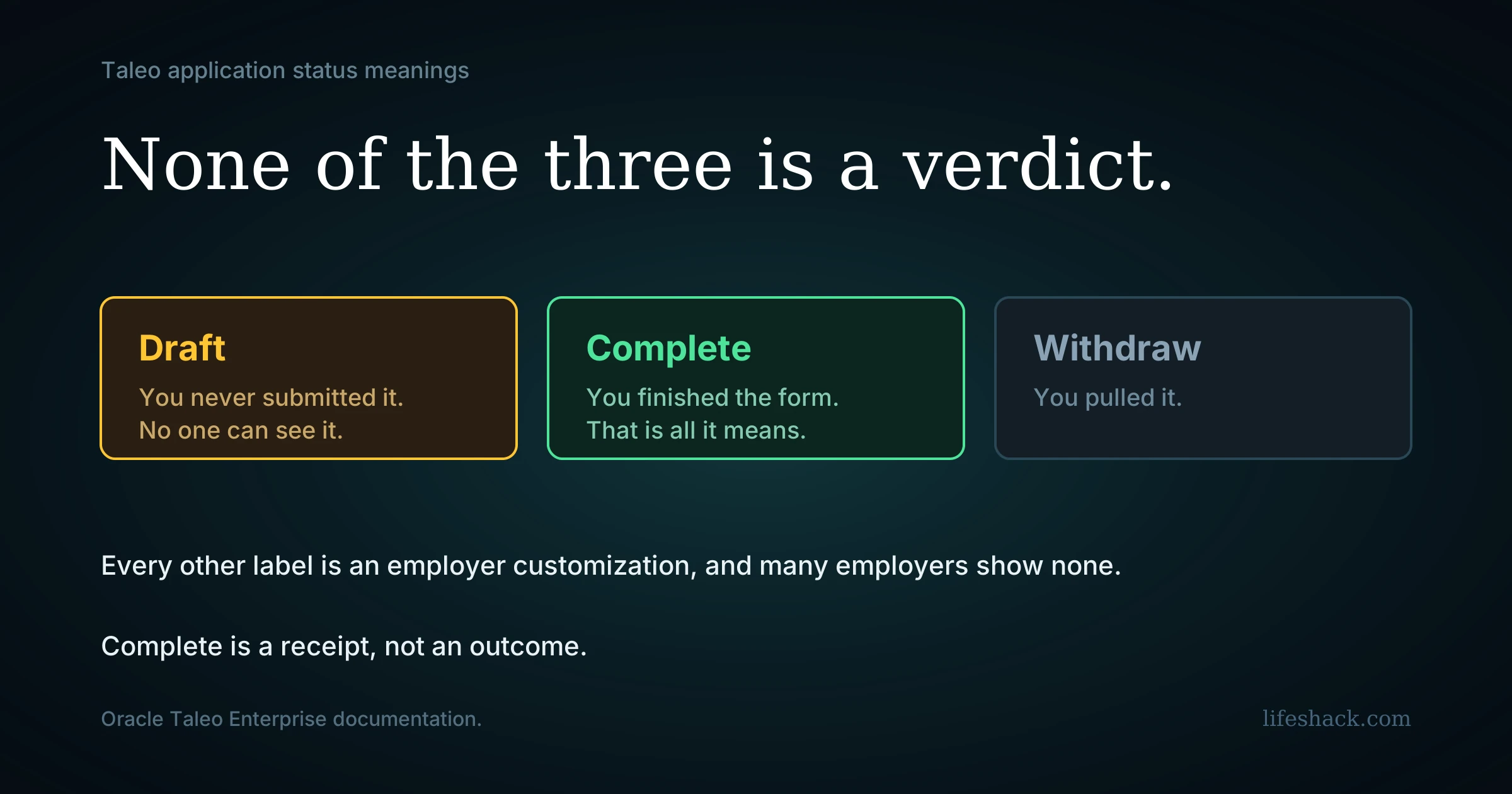
Taleo defines three job submission statuses and no others. Oracle's documentation lists them as Draft, Complete and Withdraw, and all three describe the state of your submission rather than any decision the employer has made about you.
That distinction is where most of the confusion comes from, because the word Complete reads like an ending.
Complete means you finished the form
In Oracle's own words, Complete indicates that a candidate has completed their job application. It confirms you reached the end of the submission process and the employer can now see your application.
It carries no information about whether anyone has read it, whether you are being considered, or whether the role has been filled. A submission can sit at Complete from the day you apply until the requisition closes months later.
Candidates who have used other applicant tracking systems read this badly, and reasonably so. Workday shows a status called Process Completed that does mean the process ended. Taleo's Complete describes your form, and Workday's describes their process, which is the same word pointed at two different things.
Draft means you never submitted
This is the costly one to miss. Oracle defines Draft as a submission the candidate has not completed, and employers review completed submissions. An application sitting at Draft has not reached anyone. It is not in a queue, it is not waiting, and no one at the company knows it exists.
Taleo applications run long, sessions time out, and a candidate who closes the tab partway through has a Draft they believe is a submission.
Check this first if you applied to something and heard nothing. Log back in, open the submission under My Submissions, and continue through to the end. Taleo takes returning candidates to the first incomplete page, so you will land on whatever stopped you.
Withdraw means you pulled it
Oracle defines Withdraw as a candidate having withdrawn their job application. It is the one status you control directly.
Some candidates find it set without having chosen it, which usually traces to an employer action or a duplicate submission being cleaned up. If it appears unexpectedly on something you still want, contact the recruiter, since you cannot reverse it from the candidate side.
Anything else you see is an employer customization
Beyond those three, every label is optional and configured by the employer.
Oracle's documentation describes a Job Submission Status feature that lets administrators create custom labels tied to specific steps of a Candidate Selection Workflow, the internal pipeline recruiters move candidates through. An employer can configure a custom label for the first interview step, for example, so that reaching that step shows you something more informative than Complete.
Two conditions sit underneath that, and both explain common experiences.
The feature has to be switched on per career site. Oracle states that the Candidate Communication Agent options must be activated for each career section, and that job submission statuses are otherwise not displayed in My Submissions at all. An employer who never enabled it shows you nothing.
Customization is a separate setting again. A career section setting controls whether user-defined statuses display, and labels are created per workflow step. An employer can enable the display and still only ever show the three defaults.
So three experiences are all normal. No status at all, the three defaults only, or a richer set of custom labels that mean whatever that employer decided they mean.
What recruiters see that you do not
Internally, Taleo runs a Candidate Selection Workflow made of steps, with statuses inside each step. A recruiter looking at your file sees both, along with qualifiers and comments attached to status changes.
None of that reaches My Submissions unless the employer built a custom label for that step. The detail exists on their side and almost none of it is wired through to yours.
Where to check
My Submissions is the candidate-facing page, reached through the career site of the employer you applied to. There is no central Taleo account across employers, so each company has its own login.
The fastest route is usually the link in your application confirmation email. If no status appears there at all, the employer has left the display switched off, which is a configuration choice and says nothing about your application.
For what status vocabulary means across platforms generally, our job application status meanings hub covers the common labels.
Reading it sensibly
Check for Draft before anything else. It is the only status that means you still have something to do.
Treat Complete as a receipt. It confirms delivery and nothing beyond that.
Weight direct contact above any label. An email or a scheduling link outranks the entire page.
Ignore duration. Statuses are updated manually where they update at all, and months at Complete is ordinary.
Time your follow-up against response benchmarks instead of the page. Median first review in the US runs around six days, and our guide to how long it takes to hear back covers the rest of the timeline.
The part the page cannot tell you
A status that means your form is finished is not a status worth refreshing.
Each Taleo employer also runs its own career site and its own login, so nothing carries between them. Fifteen applications to Taleo employers is fifteen accounts, fifteen long forms and fifteen pages showing you the same word.
LifeShack handles that layer. It searches for roles matching your background and constraints, tailors the resume and cover letter to each posting, submits across the systems employers use, including Workday, Greenhouse, Lever, iCIMS and Ashby, and keeps every application in one place, so the whole search is visible without logging into a dozen separate portals.
Frequently asked questions
What does Complete mean on a Taleo application? That you finished submitting it. Oracle defines Complete as indicating a candidate has completed their job application, which confirms the employer can see it. It says nothing about whether anyone has reviewed it or whether you are still being considered.
Does Complete mean I was rejected? No. It is a submission state and not a decision. Candidates coming from other systems often read it as an ending, because Workday uses Process Completed to mean the process has concluded.
Why does my Taleo application say Draft? Because it was never submitted. Oracle defines Draft as a submission the candidate has not completed, and employers review only completed submissions. Log back in through My Submissions and continue through to the end.
What are the official Taleo application statuses? Three: Draft, Complete and Withdraw. Everything else is a custom label an employer created and attached to a step in their internal workflow.
Why does my Taleo portal show no status at all? The display is a per-career-site setting. Oracle states that job submission statuses are not shown in My Submissions unless the Candidate Communication Agent options are activated for that career section. Many employers leave it off.
Can a Taleo status be withdrawn without me doing it? It can appear after an employer action or a duplicate submission being resolved. You cannot reverse it from the candidate side, so contact the recruiter if it appears on a role you still want.
Why do different companies show different Taleo statuses? Because custom labels are created per employer and per workflow step. Two companies on the same platform can show entirely different vocabulary, or one can show the three defaults and the other nothing.
Is there one Taleo login for all my applications? No. Each employer runs its own career site and candidate account, so applications do not appear together anywhere.
Sources
Oracle Taleo Enterprise documentation on Job Submission Status, including the default Draft, Complete and Withdraw values, customization per candidate selection workflow step, and the Candidate Communication Agent and career section settings that control whether statuses display. SmartRecruiters 2025 Recruiting Benchmarks on time to first review.