Job Application Status Meanings: The Complete Guide
by Patrick Da Costa Guimarais • Last Updated 9/8/2026
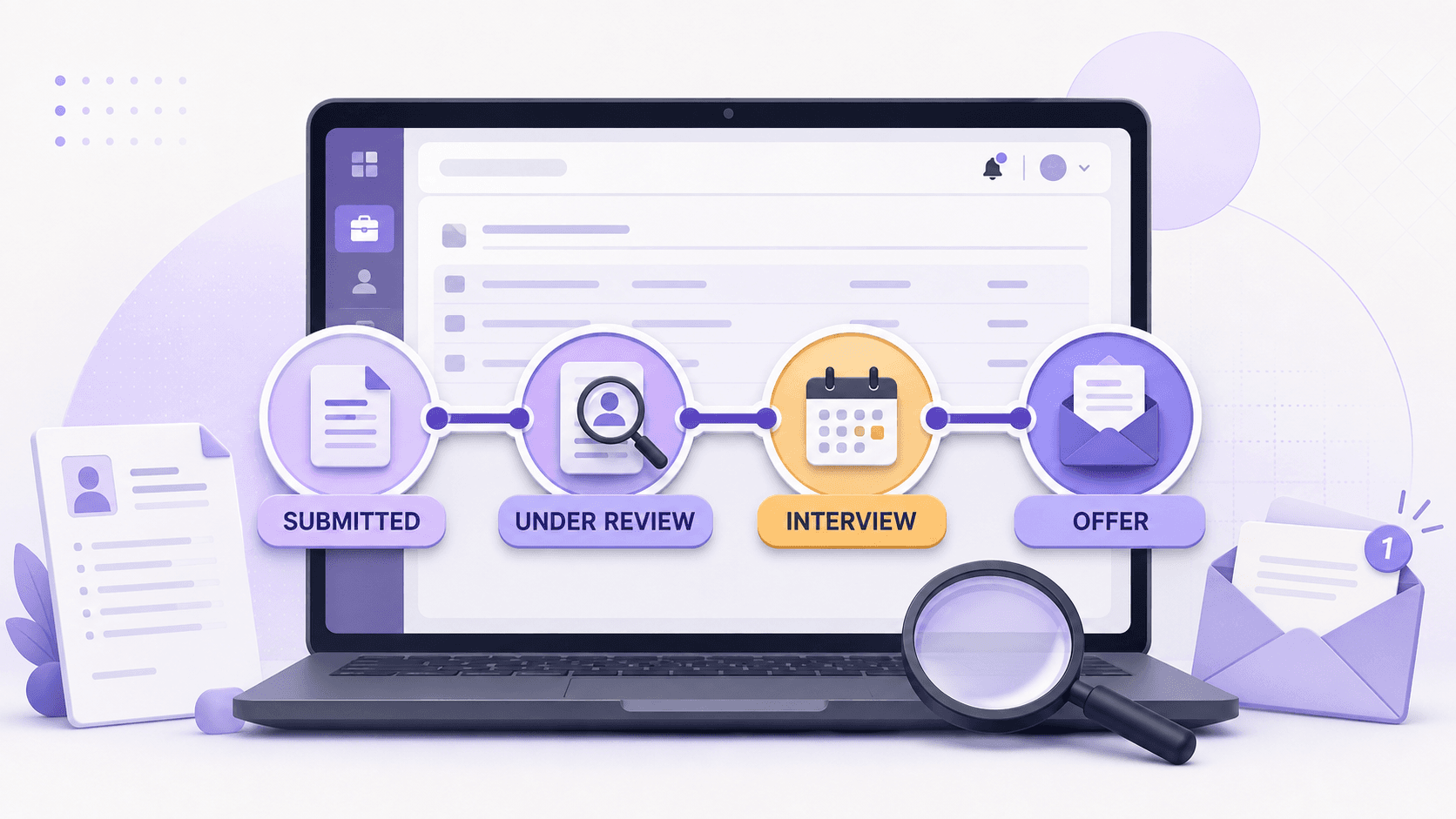
Quick answer: A job application status is a label attached to an employer's recruiting workflow. It can tell you whether your application is active, closed, or waiting on a step. It usually cannot tell you who has read your resume, how you rank, or whether an interview is coming.
Employers can configure the labels you see. Workday lets companies replace internal recruiting terms with different labels for external candidates, while other recruiting systems support multiple pipelines for different types of jobs. The same phrase can represent different steps at two employers.
Use the status as one piece of evidence. Direct emails, interview invitations, assessment requests, and stated deadlines are stronger evidence.
Common job application statuses at a glance
Draft or incomplete: The application has not been submitted, so the employer does not have your complete materials. Next step: Finish it before the deadline.
Submitted or received: The system accepted the application. It does not mean a person reviewed it. Next step: Save the confirmation and keep applying.
In progress or in process: The application remains somewhere in an active workflow. It does not identify a specific stage. Next step: Watch your email and portal for tasks.
Under review: The application is queued for or undergoing evaluation. The label does not prove a person opened your resume. Next step: Wait for the stated timeline.
Under consideration: You have not been closed out of the active pool. An interview is still not guaranteed. Next step: Stay available and continue your search.
Screening: A recruiter, questionnaire, or rule is checking basic fit. You have not necessarily passed the screen. Next step: Complete any requested task promptly.
Assessment: The employer assigned a test, exercise, or questionnaire. The label says nothing about the result. Next step: Confirm the deadline and prepare.
Interview: An interview step exists in the workflow. Your email may be more current than the portal. Next step: Follow the recruiter's scheduling instructions.
Offer: An offer process may have started. The portal label is not a final offer you can accept. Next step: Rely on the written offer and your recruiter.
Background check: Pre-employment screening is underway or requested. Other contingencies may remain. Next step: Follow instructions from the employer or its verified screening provider.
No longer under consideration or not selected: The employer closed your candidacy for that role. It does not prevent you from applying to a different role later. Next step: Close the application in your tracker.
Inactive or process completed: The application or job requisition is no longer active. The label rarely explains why. Next step: Check your email, then move on if nothing requires action.
Withdrawn: You or the employer ended the application. The recorded reason may be incomplete or wrong. Next step: Contact recruiting only if you did not withdraw.
“Submitted” and “application received”
These are receipt statuses. They confirm that the employer's system captured your application. They do not confirm a recruiter opened the file or that the application passed a screen.
Check three things before you leave the portal:
You received a confirmation page or email.
Required documents appear attached.
No task remains marked incomplete.
Then save the job description and record the date in your job application tracker.
“In progress” or “in process”
These labels sound more specific than they are. They often mean that the application sits somewhere inside an active recruiting process. At one company, “in progress” may appear immediately after submission. At another, it may appear after a recruiter moves the application.
Do not infer an interview from the words alone. Look for an associated event: an email, new task, assessment link, recruiter call, or calendar invitation.
“Under review”
“Under review” means the application is queued for or undergoing evaluation. It does not prove that a recruiter opened your resume or that an interview is coming. Because employers configure this label differently, use the timestamp, new tasks, and direct messages as stronger evidence. For review timelines and next steps, see what “application under review” means and what happens next.
“Under consideration”
“Under consideration” usually means you remain in the candidate pool. Treat it as active but undecided. It is better than a closure status, but it is not an interview promise.
A recruiter message or assessment request carries more information than the words “under consideration.” Until one arrives, treat the application as active and keep the rest of your search moving.
“No longer under consideration” or “not selected”
These are closure statuses. Unless a recruiter tells you otherwise, assume you are not moving forward for that requisition.
The status does not explain why. The role may have been filled or canceled, the team may have selected other candidates, or a knockout answer may have ended the application. The portal usually does not expose that reason.
If the status conflicts with an interview or a direct recruiter message, ask the recruiter once. Otherwise, update your tracker and keep applying. If this is happening across many applications, use LifeShack's four-step plan for applications that get no response.
“Inactive” or “process completed”
These can describe the application, the job requisition, or both. The employer may have filled, canceled, frozen, or closed the role. Your candidacy may also have ended.
Check whether the portal places the role under active or inactive applications. Then search your email for the company and job title. If there is no open task or recruiter message, treat the application as closed unless the company says otherwise.
Why any status can stay unchanged for weeks
A submitted, in-progress, or under-consideration status can remain unchanged while recruiters review candidates in batches, wait for a posting to close, or pause a role. Portals may also update after the employer contacts candidates directly.
Check for an employer timeline, an open portal task, or a recruiter message. If none exists, follow up once at an appropriate time and keep applying elsewhere. Rechecking the same label every day will not reveal more.
How to read any unfamiliar status
Use this order:
Read the exact label and timestamp. A recent change is more useful than a label that has not moved for weeks.
Identify the system. Workday, Greenhouse, iCIMS, Taleo, and company-built portals expose different information.
Look for an attached action. A due date, assessment, document request, or scheduling link requires attention.
Check direct communication. A recruiter email overrides a generic portal label.
Check the job itself. A closed or removed requisition can change an application status without saying anything about your interview performance.
Use the employer's timeline. If the recruiter promised an update Friday, wait until that date passes before following up.
When should you follow up?
Follow the instructions in the posting first. Do not contact the employer if it asks candidates not to follow up.
If you have a recruiter or hiring-manager contact and no stated timeline, one short follow-up after roughly 7 to 10 business days is reasonable. If the employer gave a decision date, wait one or two business days after it passes. LifeShack's message guide for hiring managers includes email and LinkedIn examples for different stages.
Job application status FAQ
Does “in progress” mean I passed the ATS?
Not necessarily. It often means the application is active, but employers configure their workflows differently. Look for a direct request or a move to a named screen, assessment, or interview stage.
Which application statuses require action?
Draft or incomplete, assessment, interview, background check, and any status paired with a task or deadline require attention. Submitted, under review, and under consideration usually require monitoring unless the employer sends a separate request.
Is “under consideration” a good sign?
It is an active status, which is better than a closure status. It does not predict an interview or offer.
Can a portal status be wrong or late?
Yes. Recruiters may update records in batches, labels can lag direct communication, and a requisition can change while interviews continue. Use direct communication as the stronger source.
Should I stop applying while one application is under review?
No. Keep the rest of your search moving until you have accepted a written offer and completed any required contingencies.